Connecting with ChatGPT
Connect ChatGPT to the Integritas Remote MCP Server.
Requirements:
- ChatGPT Pro subscription
- Developer mode enabled
- Access via web version
1. Enable Developer Mode in ChatGPT
You need Developer Mode enabled before you can create an app.
How to activate:
- Go to ChatGPT settings
- Select Settings → Apps → Advanced Settings
- Enable Developer mode
2. Create an app
Open ChatGPT Settings → Apps → Create app.
3. Enter the connector details
Enter the following:
| Field | Value |
|---|---|
| Name | Integritas |
| MCP Server URL | https://integritas.technology/mcp |
| Authentication | OAuth |
Click Create.
4. Authorize the connection
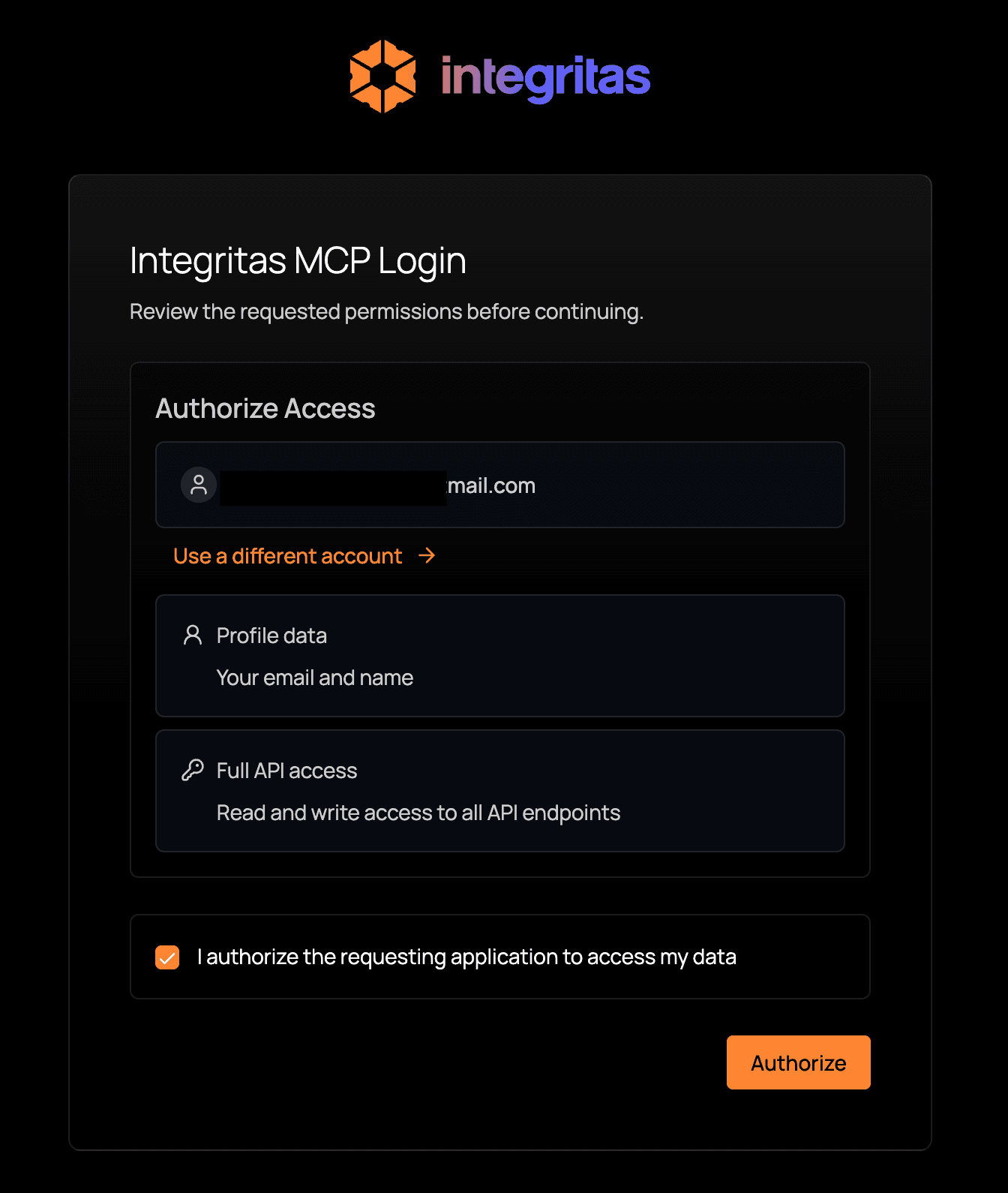
After you click Create, ChatGPT will redirect you to the Integritas authentication page. Log in, then authorize access to complete the connection.
Integritas authorization page
5. Use the connector app in ChatGPT
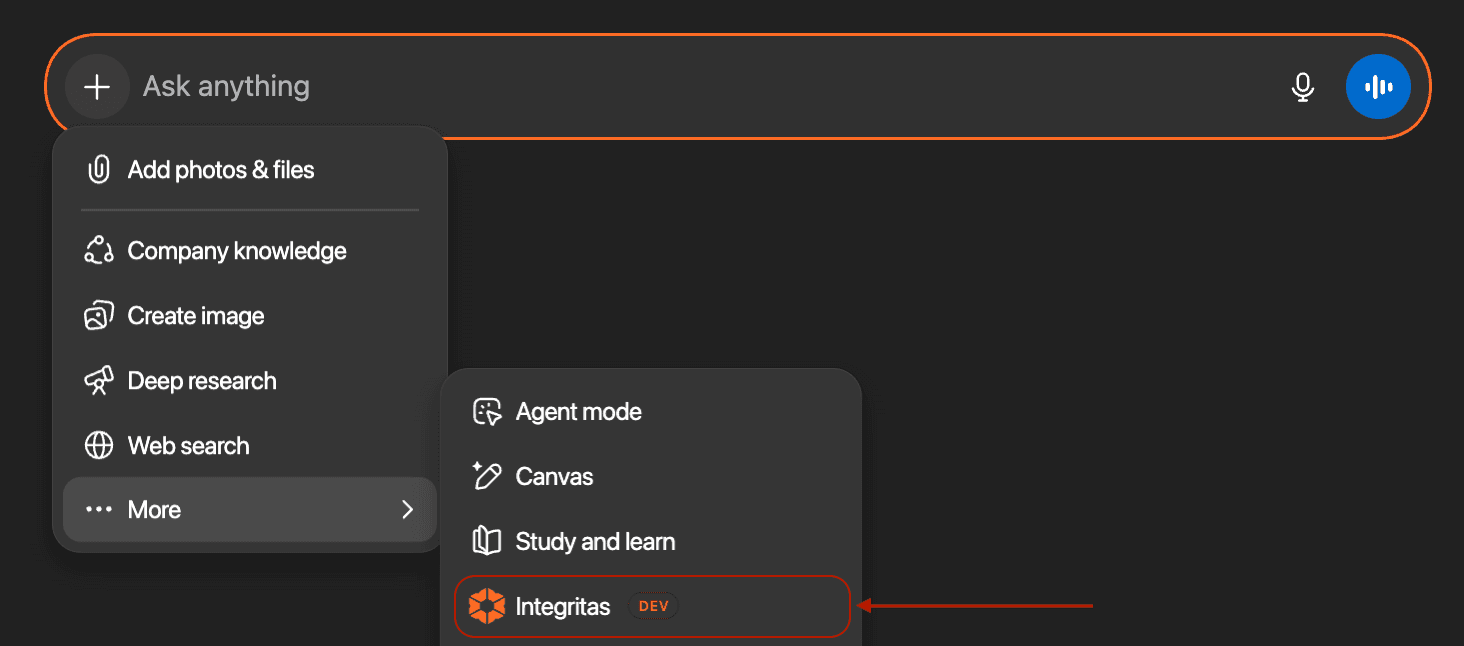
- Open a new chat.
- In the message box, click the ➕ (plus) button.
- Select More.
- Choose Integritas.
Add Integritas connector app in ChatGPT
Once selected, ChatGPT can use Integritas tools directly in the conversation.